export
Export from Lightworks for YouTube
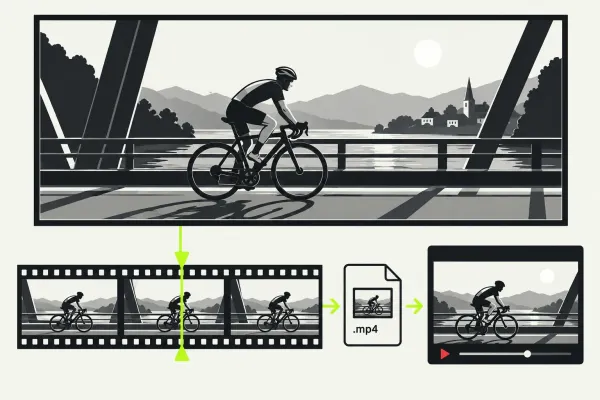
For a standard dynamic range (SDR) video, I would export a local MP4 using H.264, keep the finished sequence’s frame rate, and choose a resolution your Lightworks licence offers. Play
Open guideLibrary
No matching guide. Try a shorter phrase or clear the search to browse all published guides.
For a standard dynamic range (SDR) video, I would export a local MP4 using H.264, keep the finished sequence’s frame rate, and choose a resolution your Lightworks licence offers. Play
Open guide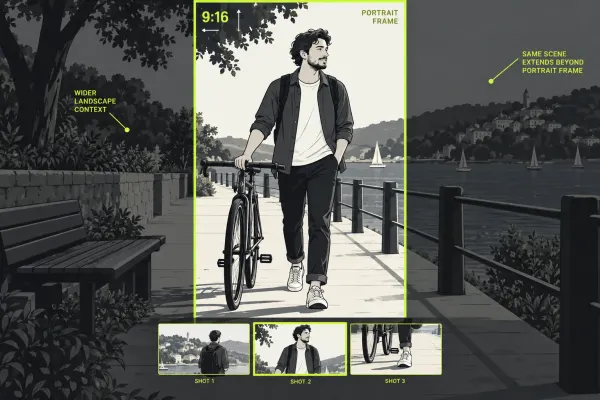
To make a vertical Lightworks video, work on a copy of the landscape edit, reframe each shot for the portrait composition, and choose a permitted portrait export target. Check the saved file’
Open guide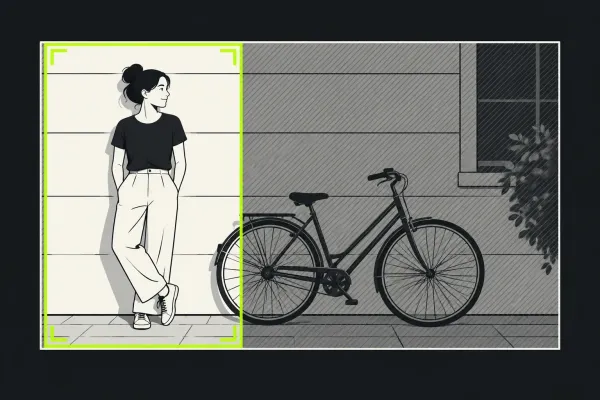
To crop a shot in Lightworks, select its clip and add Reframe or the transform effect available in your build. Use blanking to hide unwanted edges, then Scale and Position to compose
Open guide
Add native text with the documented Lightworks 2020.1 controls, distinguish clip and FX spans, and choose readable styling for Title, Crawl or Roll.
Open guide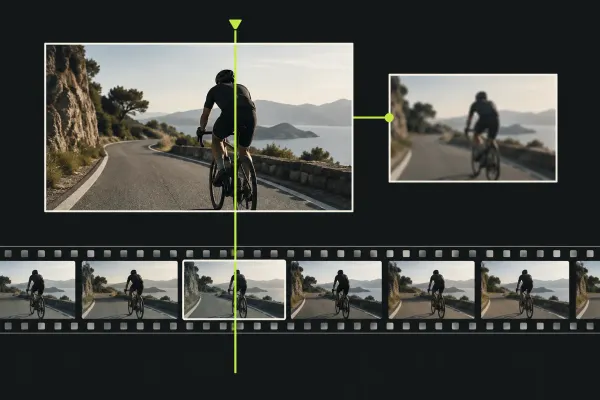
For imported video with online media, select a few representative clips, right-click Make Proxy, then watch the Tasks page of the project settings panel. When generation finishes, use the viewer’s
Open guide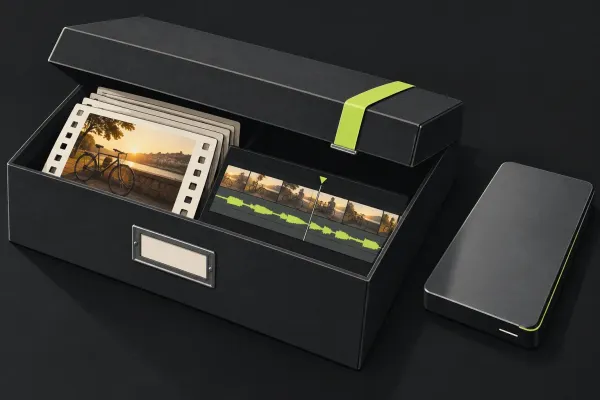
Choose the right archive contents, preserve camera originals, restore without replacing live work, and check the recovered project before a system move or cleanup.
Open guide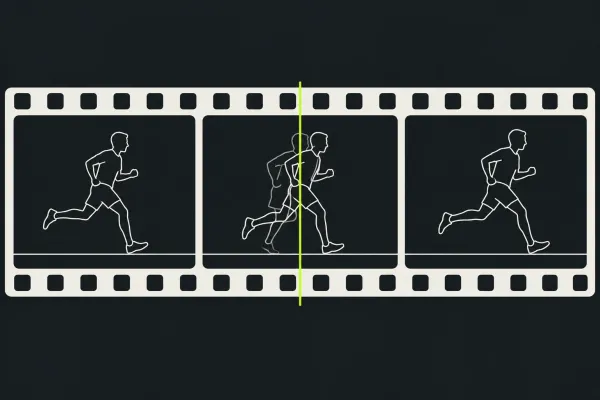
Identify whether Lightworks is dropping frames or playing at the wrong speed, then compare proxies, background work, effects, storage and audio output without changing everything at once.
Open guide
Find the first place the picture turns black: the original file, the imported source clip, the sequence, or the completed export. That tells you what to check next. If the source has
Open guide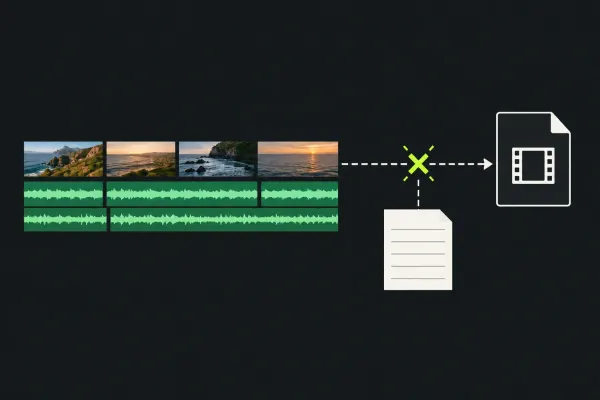
Read the actual export task, check originals and destination, compare a repeatable range safely, and keep player or upload failures separate.
Open guide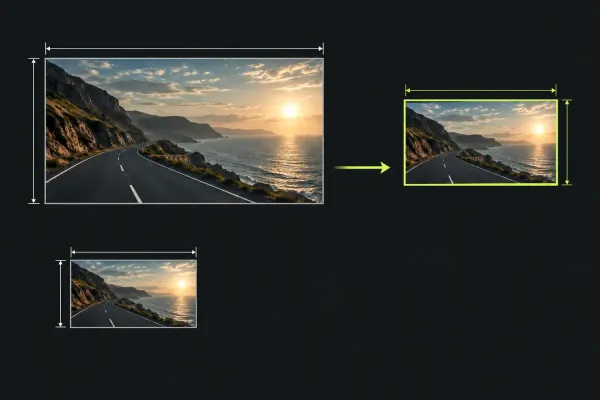
Check a missing export size against your Lightworks licence, build and output target. The current Free offer is up to 1080p; distinguish it from older 720p guidance and the separate proxy limit.
Open guide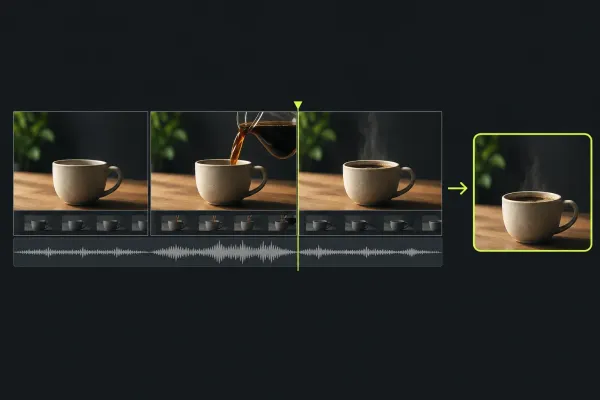
Make one short video from start to finish: import three clips, choose their useful sections, build the timeline, balance sound and check the exported file.
Open guide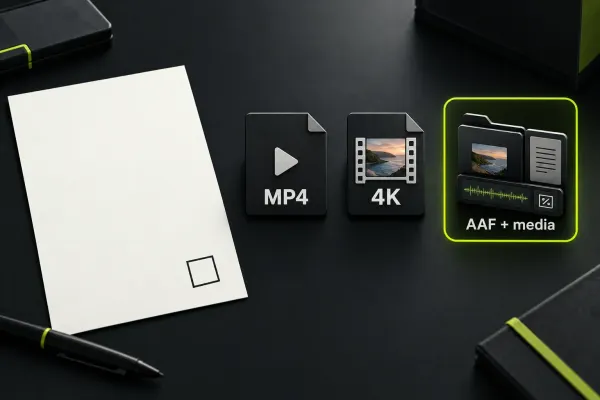
Choose by the file you must deliver, then check titles, audio, plugins, billing and licence conditions. Free currently advertises up to 1080p; check the active build and target.
Open guide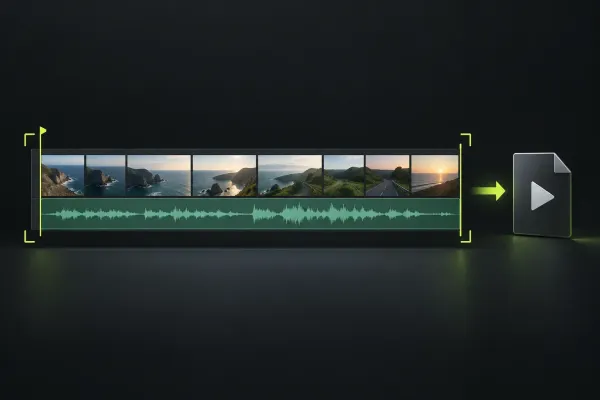
Choose a local MP4 export, confirm the sequence and range, and check frame rate, quality controls and licence limits before reviewing the finished file.
Open guide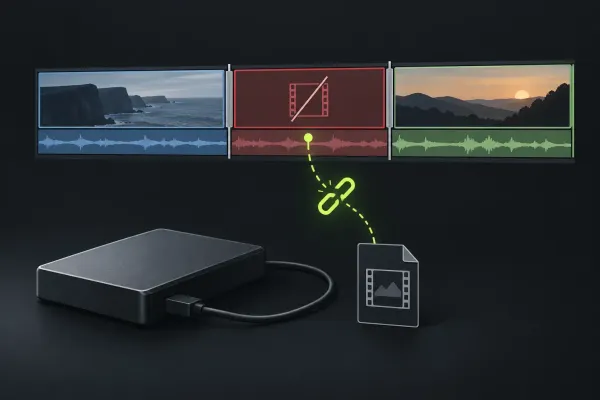
If Lightworks shows Media Offline, first find out whether the original file is unavailable, has moved, or has actually been deleted. Reconnect known storage or restore the known original path before changing
Open guide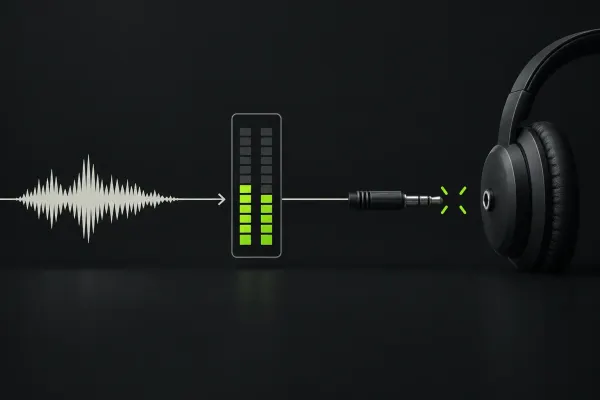
If Lightworks has no audio, check where the same section stops being audible: the original file, the source viewer, the sequence, or the completed export. Inside the editor, inspect the intended mix’
Open guide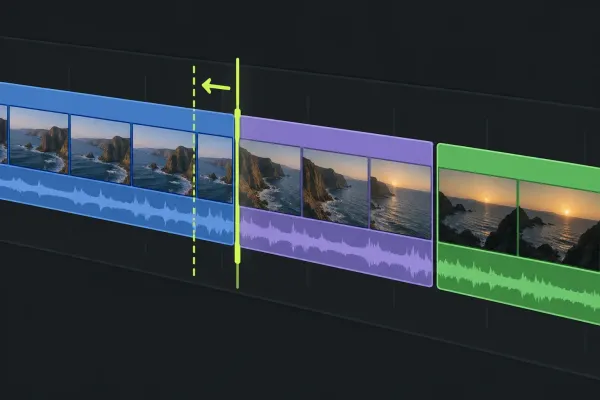
Choose the edit from the result you need: split a clip, shorten an edge, move a cut, slip source frames or slide a shot while keeping timing and linked sound under control.
Open guide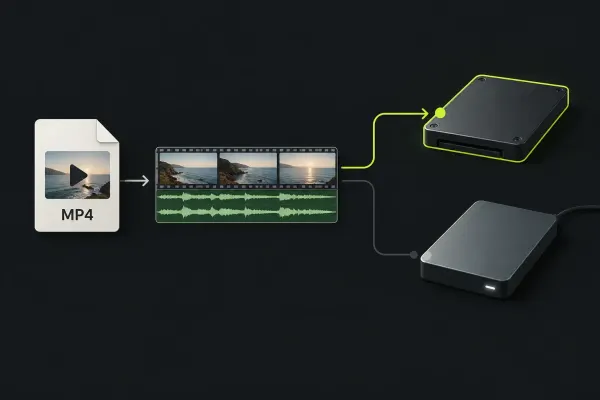
To import an MP4 or MOV into Lightworks, open Import and select the file, choose whether to link it or copy it into project media storage, set a destination bin, and click
Open guide