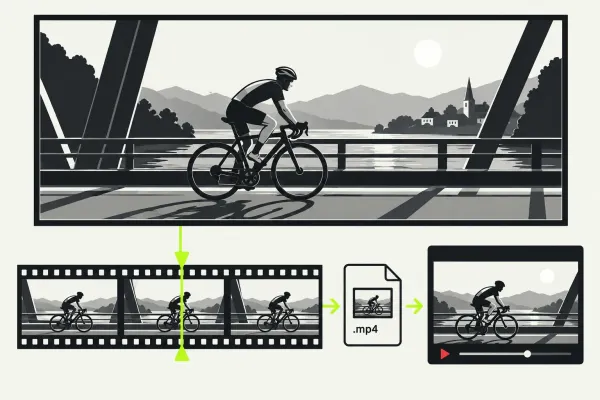
Export from Lightworks for YouTube
Export a verified local master from Lightworks for YouTube, wait for platform processing, and compare the same frames before re-exporting.
Read the guideStart with the finished file you need, then choose the Lightworks guide for that decision. A first local export, a missing output size and a task that fails partway through need different checks.
Use the main export walkthrough when you need to choose the sequence, range and available settings. If the result is already wrong, follow the symptom instead of repeatedly changing the preset. Keep the local file separate from what happens after an upload.
Follow exporting a video from Lightworks. It connects the intended sequence and range to the settings available in the export window, then takes you through checking the saved result. Use it before looking for a universal preset.
Open the export-resolution guide. Work through the installed build, active licence and selected target before assuming one setting explains the limit. The guide keeps the conflicting published Free limits visible instead of turning one number into a promise.
Use diagnosing a failed Lightworks export for the task message, source media, destination and a repeatable failing range. Record where the failure occurs. A job that stops and a completed file that looks wrong belong to different investigations.
Start in the troubleshooting hub. Choose the symptom and compare the relevant stage of the source, sequence and completed file. If the local file is correct and only a platform upload differs, keep that platform step separate from the Lightworks export.
Write down the requested file before committing a long export. The detailed walkthrough supplies the controls; these questions keep the delivery decision clear.
Choose the full walkthrough for settings or output limits. For a failed task or a visible fault in the result, use the linked diagnosis route above.
Export a verified local master from Lightworks for YouTube, wait for platform processing, and compare the same frames before re-exporting.
Read the guide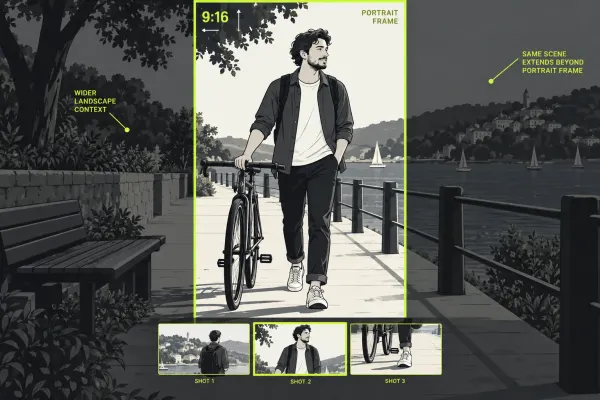
Create vertical video in Lightworks by preserving the landscape edit, reframing each shot, protecting text, and verifying portrait export.
Read the guide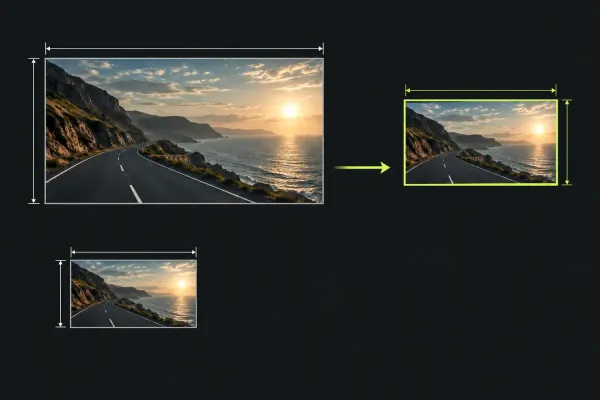
Check a missing export size against your Lightworks licence, build and output target. The current Free offer is up to 1080p; distinguish it from older 720p guidance and the separate proxy limit.
Read the guide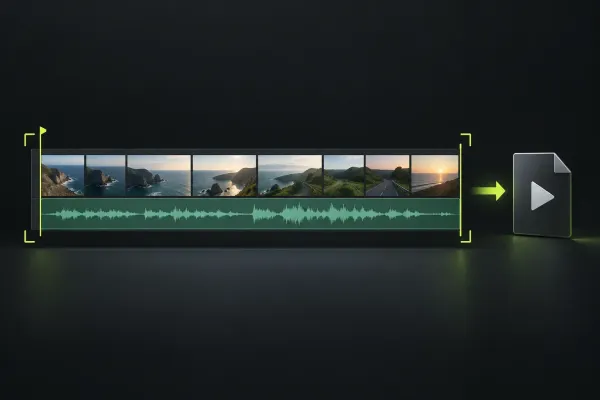
Choose a local MP4 export, confirm the sequence and range, and check frame rate, quality controls and licence limits before reviewing the finished file.
Read the guide