
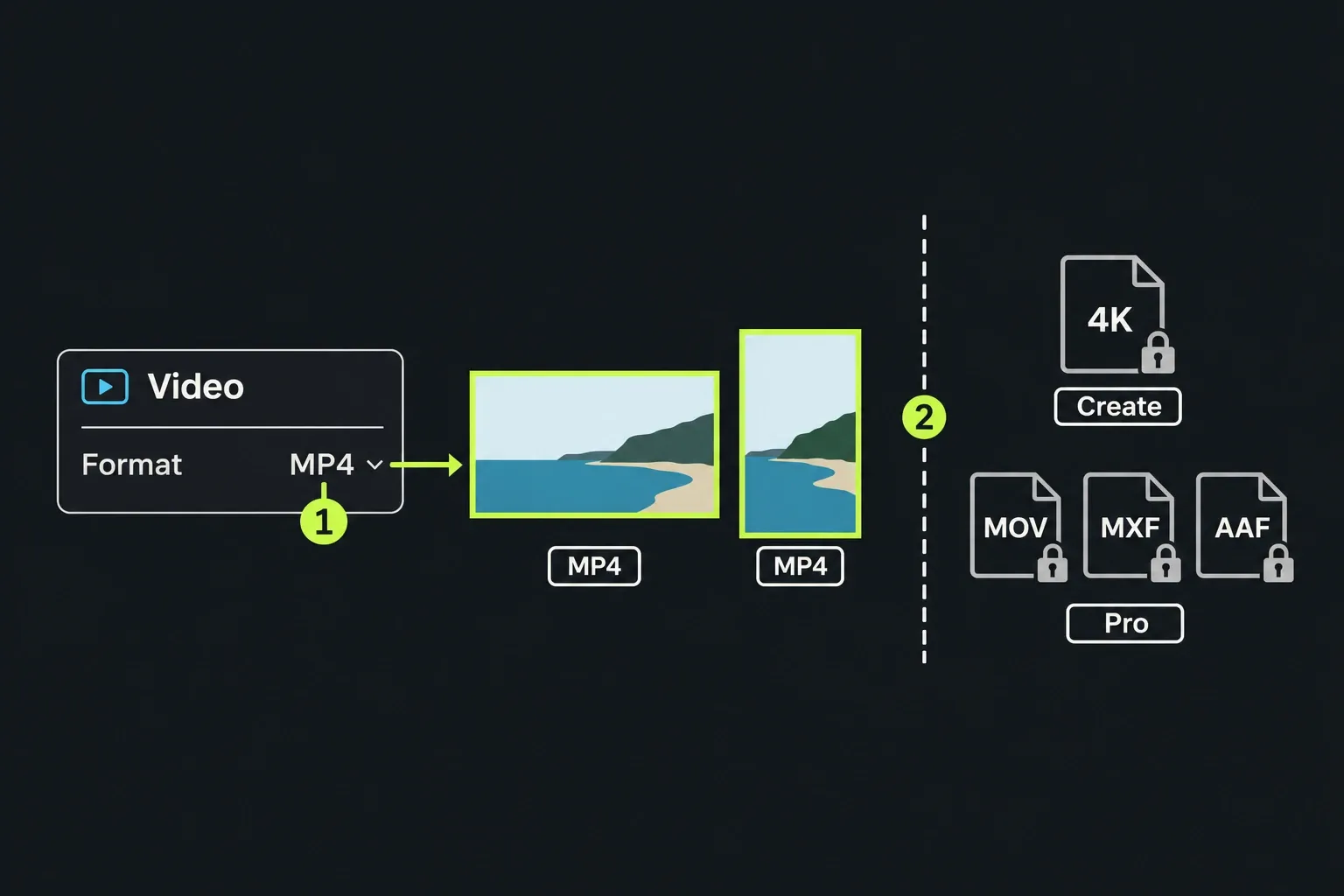
Yes, Lightworks is free. Lightworks Free costs nothing, isn't a time-limited trial and puts no watermark on your videos, and in Lightworks 2026.1 it exports MP4 files at up to 1080p, portrait included. You need a free Lightworks account to activate it, and the Free licence renews every 90 days when you sign in again.
What Free leaves out is mostly about delivery and audio: 4K, MOV and MXF files, editable interchange export, audio effects and plugins. I'd start on Free for a 1080p MP4 when its built-in titles, levels and EQ cover the edit. Check the limits table before committing to advanced titles, audio processing, plugins or a professional handoff; the required tool can change the plan even when the file stays 1080p.
| Question | Short answer |
|---|---|
| Price | Nothing, with no time limit |
| Watermark | None, on Free, Create or Pro |
| Export | MP4 up to 1080p, landscape or portrait, from Lightworks 2026.1 |
| Account | A free Lightworks account; sign in again every 90 days to renew the licence |
| Computers | Free activation on multiple systems; simultaneous use follows the EULA and your plan |
| Commercial use | The FAQ specifies an end logo; confirm the credit condition under your current Order/Plan before commercial delivery without it. |
| Main limits | No 4K, MOV or MXF, no interchange export, no audio effects or plugins, no advanced titles, no separate SRT export |
Is Lightworks Free a trial
No. The Lightworks homepage says Free isn't a time-limited trial, and the Lightworks pricing page lists it as free forever. The confusion comes from the licence, not the price. A Reddit thread that still ranks for this question opens with a new user who read that the version without a licence is free and then saw a 90-day free trial message in the app. The 90 days that matter today belong to the licence, not the price.
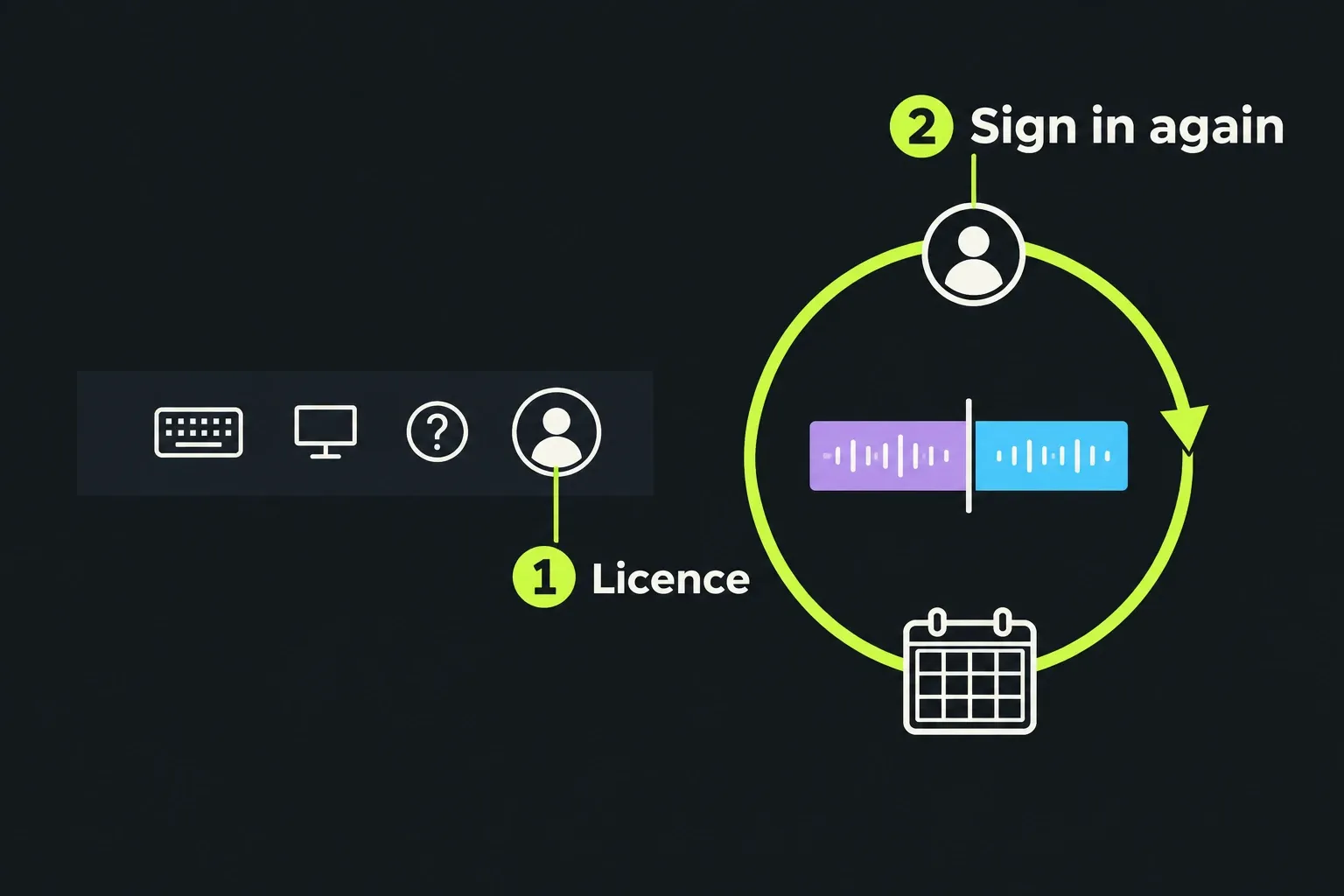
The Lightworks FAQ on Free licences says Free expires every 90 days and renews when you sign back in to the application. The same FAQ permits activation on as many systems as you need without moving the Free licence. Activation is separate from simultaneous use: the EULA defaults to one Device at a time unless otherwise authorised. Check the applicable plan or order before treating one account as seats for several editors working at once.
Account and activation
Your Lightworks account holds the licence, and each installation must be activated under its terms. You register a free account at lwks.com, sign in from the program, and the program activates that computer at whatever plan the account holds. The Lightworks setup guide says you can run the program as a guest for a limited period before registering, and the avatar at the top right of the window shows which licence is active.
For the normal Free setup, sign in while connected and confirm the active licence before working offline. The FAQ directs offline activation requests to LWKS support; it does not document a self-service offline activation route. For a proxy connection, it names TCP port 443 and els.lwks.com. The licence agreement provides a reasonable grace period when connectivity is lost, which is different from initial activation.
Two messages cause most of the worry:
- Your Free licence has reached 90 days. Sign in again with the same account to renew it.
- An activation error still says “Licence expired”. Check the system date and time and the installed version. The FAQ links this activation error to an outdated build. If an update is needed, back up your projects first, then follow the Lightworks download and install guide. If the current release still will not activate after renewal, use the FAQ’s support route.
If the system drive dies and you reinstall, the FAQ says the licence goes with it: install Lightworks, activate Free again, then contact LWKS support if a paid plan doesn't come back.
What Lightworks Free includes
Free includes the core editor, with paid-tier limits on some tools as well as delivery. The pricing page gives Free the same timeline, trimming, background processing, automatic saving, backup and custom layouts as the paid plans, plus:
- the built-in effects, titles and transitions, the advanced transitions and the video mask effect;
- colour correction with clip LUTs and HDR workflows, with vectorscope, RGB and histogram scopes;
- audio levelling and EQ;
- proxy generation for slow footage;
- Pexels and Pond5 stock in the program and one active cloud integration for downloading media;
- direct upload to YouTube and Vimeo.
The 1080p change is new. The Lightworks 2026.1 What's New page says portrait and 1080p export are now available on the Free plan, and the Lightworks guide to web and social delivery, updated on 16 October 2026, repeats that vertical social video is within reach without an upgrade. The vertical video export steps cover the 9:16 settings.
Lightworks Free limitations
Use the pricing page's feature matrix to match the required output, processing tool or workflow to the first paid tier that provides it. The table below connects those limits to the project rather than treating resolution as the whole choice.
| Limit on Free | What it means in practice | Lifted by |
|---|---|---|
| Export up to 1080p | No 4K or UHD master, even from 4K footage | Create (4K), Pro (8K) |
| MP4 files only | No MOV, MXF, WAV, AVI or image sequence for a broadcaster, archive or colourist | Pro |
| Social presets for YouTube and Vimeo only | A portrait MP4 still exports; you set the size yourself instead of picking a TikTok or Instagram preset | Create |
| No advanced titles | The built-in titles work; the advanced title tools don't | Create |
| No audio effects | Levelling and EQ only; no compressor, limiter, noise reducer, reverb or dialogue enhancer | Create |
| No plugins | No OpenFX video plugins and no VST, AU or LADSPA audio plugins | Pro |
| No interchange export | An edit can't go out as an AAF, XML, OMF or EDL file to Pro Tools, Resolve or another editor | Pro |
| No separate SRT export | Subtitles on a YouTube upload work on every plan; an SRT file to deliver doesn't | Pro |
| No bitrate control | The H.264 bitrate is set for you | Pro |
| ProRes decode only | ProRes footage edits; a ProRes master can't be exported | Pro |
| Proxies in H.264, Low quality, up to 720p | Lower-resolution working media; export uses originals when they are online. Offline originals can cause fallback to available media | Create (up to 1080p), Pro (up to 4K) |
| One cloud integration, download only | Media can come in from one cloud account; finished files can't go back up to it | Create |
Three delivery questions matter here. Compatible 4K footage can be edited on Free, but the output ceiling is 1080p; the resolution-limit guide shows how to check the finished file. Free provides levels and EQ, while native noise reduction and dialogue enhancement start on Create. For a handoff, ask what the recipient needs: a finished 1080p MP4 can leave Free, but an editable AAF/XML/OMF/EDL timeline needs Pro. A colourist or mixer may require a higher-quality master or separate audio files too, so agree the actual specification before choosing the plan.
For proxy editing, keep every original used by the sequence online before a master export. The proxy guidance warns about fallback when originals are offline; successful proxy playback alone does not prove the master will use them. Follow the original-media checks before delivery.
Lightworks Free on Linux
Linux gets slightly less. The pricing page notes that some Linux features are restricted by third-party limitations and marks the advanced transitions, advanced titles, advanced correct and enhance effects and the TotalFX bundle as not available on Linux. Of those, only the advanced transitions belong to Free, so a Free user on Linux keeps the built-in transitions and loses the advanced set.
Does Lightworks Free add a watermark
No. The pricing page says files made with any Lightworks plan are free from overlays or watermarks, and that includes Free. Nothing is burned into the picture.
Commercial credits are a separate condition. The Lightworks FAQ on commercial use says Free videos can be used commercially, requires a Lightworks logo at the end of the video and asks for a link to lwks.com in the description wherever the video is posted publicly. That's an end card you add yourself, not a watermark the program applies. For a commercial delivery without it, confirm the condition with LWKS for your current Free plan; the licence grant is subject to the applicable Order or Plan. For client or broadcast work, the commercial use and activation conditions in the Free, Create and Pro comparison go through what the licence agreement and the order cover.
Lightworks Free in published reviews
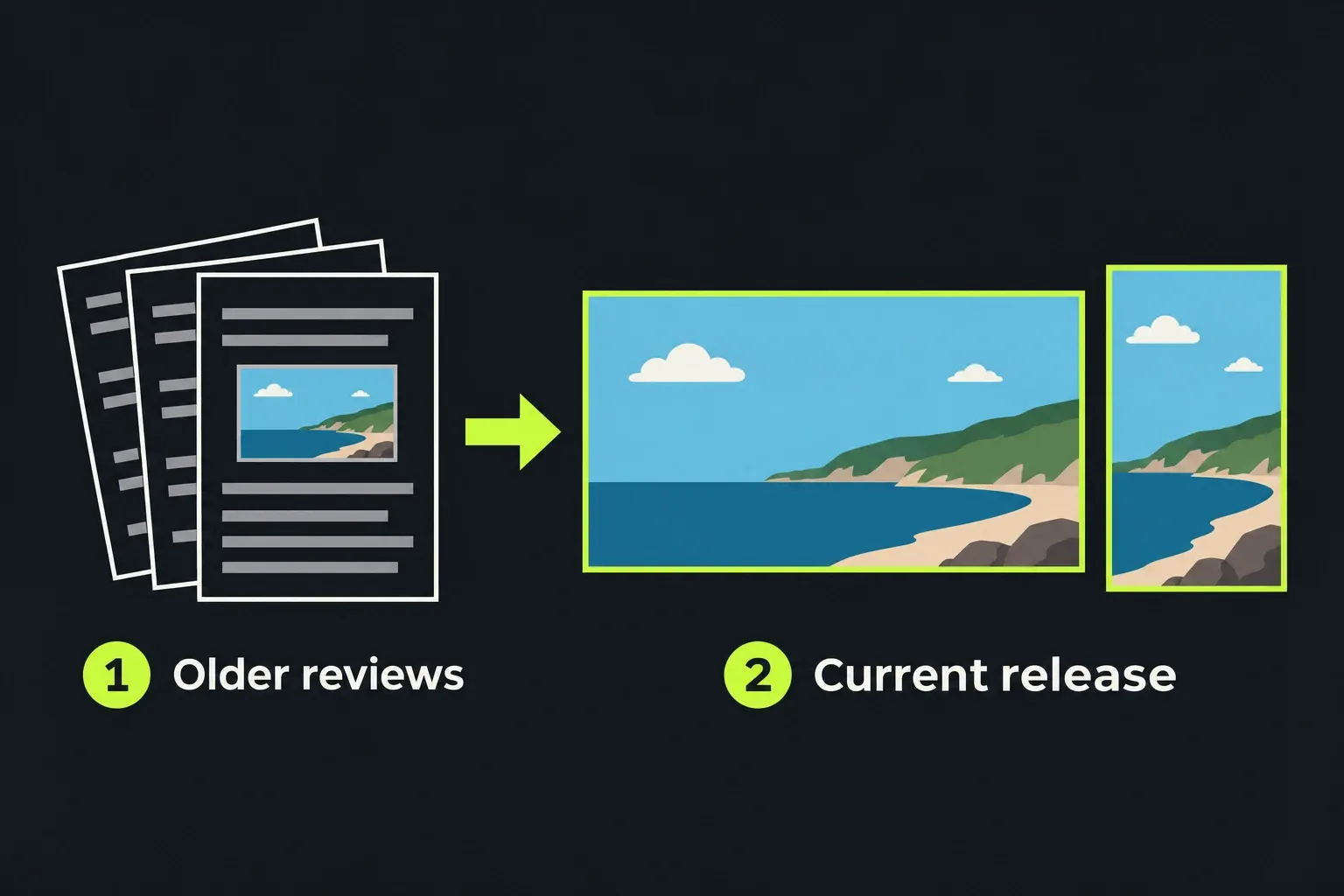
Six older reviews, guides and forum answers published between July 2014 and September 2025 describe Free output at 720p. The ceiling changed when Lightworks 2026.1, the stable release since 19 October 2026, raised Free to 1080p with portrait export.
| Source | Date | What it reported for Free |
|---|---|---|
| ProVideo Coalition | July 2014 | 720p MPEG-4 web export; Free shipped with a 30-day Pro trial |
| PCWorld review | December 2017 | 720p MPEG-4 and H.264 only |
| Tom's Guide review (2021.3) | September 2021 | 720p H.264; scored 4 out of 5 overall |
| Lightworks forum upgrade thread | March 2022 | 720p called the only significant limit; user effects worked on Free |
| TechRadar review (Lightworks 2022) | June 2022 | No 1080p export; scored 4 out of 5 overall |
| Howfinity workflow guide | September 2025 | Typically 720p MP4 |
| Composite | 2014 to 2025 | 6 sources describe 720p output in older builds; Lightworks 2026.1 raises it to 1080p |
The licence rules have changed too. A 2016 forum answer about Free described reactivating every 7 days, where the current FAQ gives 90 days, and the current FAQ and pricing page don't mention the 30-day Pro trial that came with Free in 2014. Even the official FAQ still has an older export answer limiting Free to 720p for YouTube and Vimeo, while the homepage, the pricing page, the What's New page and two Knowledge Base articles all give 1080p. For the Free export ceiling, use the current pricing page and Export panel in an up-to-date installation: the six older sources above describe builds before 2026.1.
The 2022 forum thread shows how that limit drove upgrades. A Free user of three years who made fishing videos for YouTube asked whether to pay; a forum moderator replied that 720p was Free's only significant limit, that the community's effects library ran on Free, and that effects alone weren't a reason to upgrade. The user bought a Create perpetual licence a week later. With Free’s ceiling raised to 1080p, the reasons to pay are now the rows in the limits table above.
When to move beyond Free
Stay on Free when a 1080p or portrait MP4 meets the delivery requirement and the built-in titles, levels and EQ cover the edit. That covers YouTube videos, social clips, school projects and family films.
- Move to Create when you need 4K MP4, advanced titles, native audio effects such as noise reduction, the TikTok and Instagram presets, or cloud upload. Create costs €18 a month, €145 a year or €215 once.
- Move to Pro when someone downstream needs MOV, MXF, ProRes, WAV or an AAF, XML, OMF or EDL file, or you need plugins, separate SRT export or bitrate control. Pro costs €32 a month, €250 a year or €440 once.
Prices are in EUR before sales tax on the pricing page. I'd upgrade for a specific delivery rather than in advance, because the FAQ says Free projects are compatible with Create and Pro, so a purchase can wait until a required feature justifies it. Keep a backup before changing versions or editions. The Free, Create and Pro comparison works through the choice row by row, and the Lightworks 2026.1 review covers whether Lightworks suits your kind of editing at all.
Start on Free
Lightworks Free is a genuine free editor in 2026.1: no trial clock, no watermark, 1080p and portrait MP4, and a sign-in every 90 days. Download it from lwks.com, check your computer against the Lightworks system requirements, then cut something real with the first-video tutorial. Before a full project, export a short sample with the titles, audio and output settings the job needs, then play it outside Lightworks. Upgrade only if that required path reaches a paid feature.